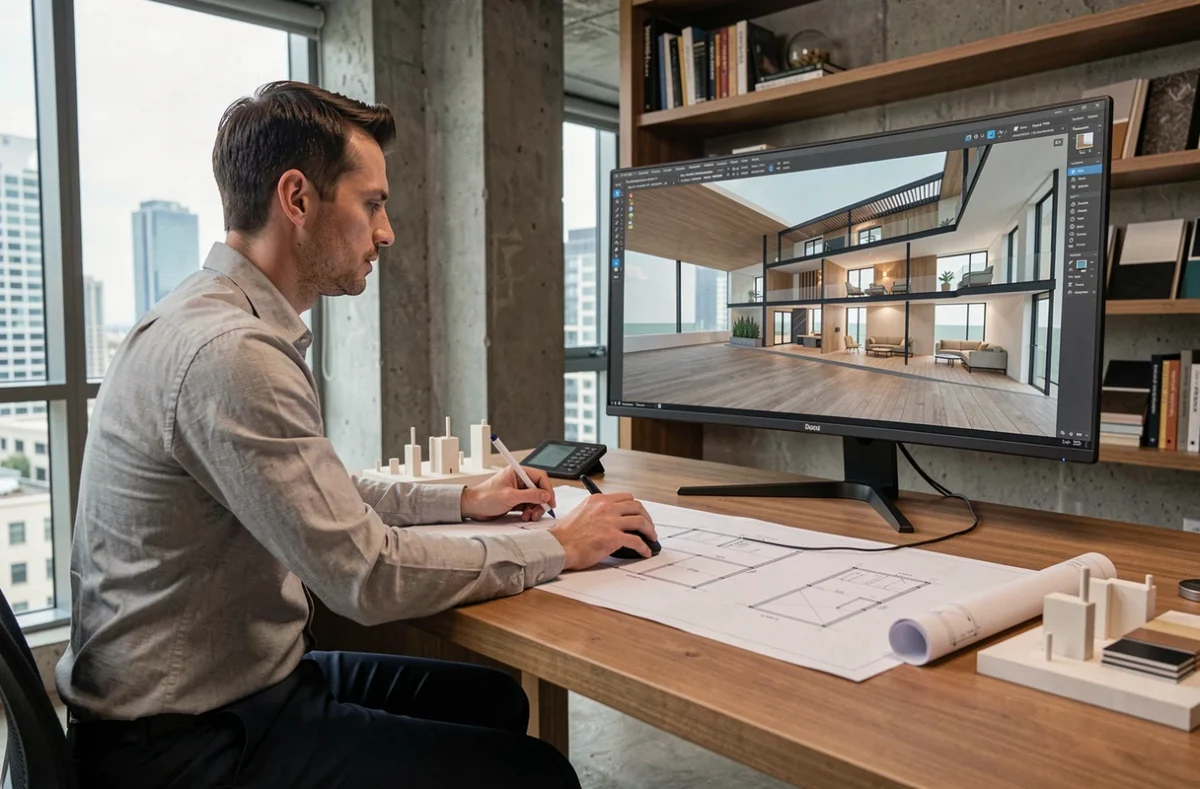
When preparing for an architecture competition or a client presentation, the question of 3D rendering always comes up at the same moment: too late. The file is ready, the software is running, but the equipment to produce a physical model or a convincing visual is lacking. Choosing your 3D equipment at the start of the project, rather than at the end, changes the quality of the deliverable and the time spent on back-and-forths.
BIM exchange format and software compatibility: the prerequisite that catalogs do not show
Before comparing printers or scanners, you save time by checking a point rarely highlighted in product sheets: real compatibility with BIM exchange formats. IFC 4.3, standardized as an international standard in 2024 under the reference ISO 16739-1:2024, extends the exchange standard to infrastructures (roads, railways, bridges). For a project combining buildings and urban development, software that only handles IFC 2×3 will produce incomplete exports.
IFC versions 2×3, IFC 4, and IFC 4.3 coexist, and software does not support them in the same way. Displayed IFC compatibility does not guarantee lossless exchange. The best practice is to test a pilot exchange at the start of the project, rather than discovering discrepancies at delivery. Specifically, you export a simple model to the partner’s software and check that the properties of the objects (walls, slabs, joinery) arrive intact.
The equipment available on Archi 3D covers this digital chain, from modeling software to output devices, allowing you to verify the coherence of the whole before purchase.
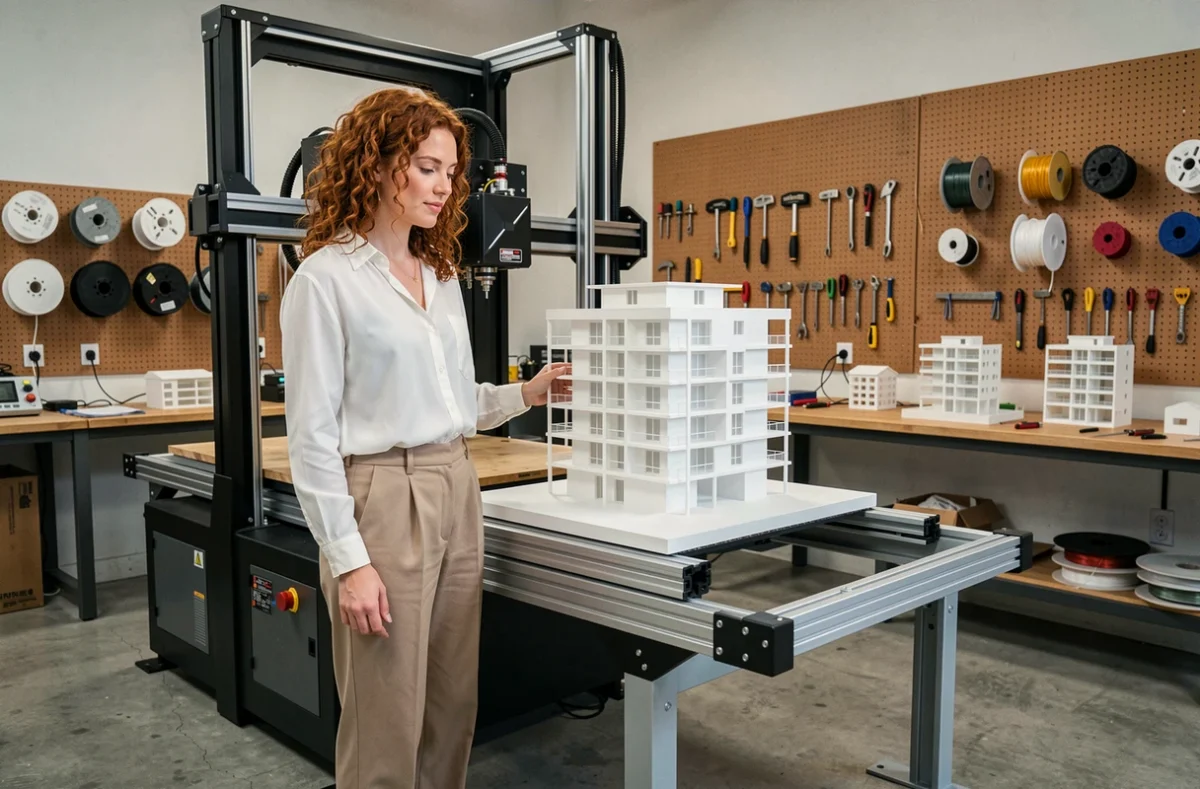
3D printer for architectural models: concrete selection criteria
In a rehabilitation project, the physical model serves to show the insertion into the existing building. In a new project, it helps the client visualize the volumes. These two uses do not call for the same type of printer.
FDM or resin technology depending on the level of detail
A filament deposition printer (FDM) is suitable for volume models where templates, shadows, and scale relationships between buildings are presented. The cost per piece remains low, and the print formats are generous.
For a facade with fine moldings, railings, or integrated furniture, resin printing reproduces details that FDM cannot. The trade-off: a smaller print volume and post-processing (washing, UV curing) that lengthens production.
Materials suitable for competition models
- PLA remains the most common material in FDM for white or gray models, easy to sand and paint for a uniform matte finish.
- Standard resin offers a smooth surface directly after printing, useful when the model needs to be photographed under raking light.
- Filled resins (ceramic, glass) allow for textures close to stone or raw concrete, an asset for heritage rehabilitation projects.
The choice of material also depends on the expected lifespan: a competition model, handled for several weeks, must withstand shocks. PLA breaks cleanly, and standard resin does too. For fragile parts (cantilevers, thin roofs), a flexible resin or internal reinforcement during slicing is preferred.
3D design software and production workflow: from model to printable file
The transition from the architectural file to the printable file is rarely direct. A Revit or ArchiCAD model contains construction information (wall layers, networks) that makes no sense for a 3D printer. Exporting to STL or OBJ requires cleaning the mesh: removing internal faces, correcting reversed normals, closing open volumes.
Software like SketchUp, Rhino, or Blender often serve as intermediaries. You import the simplified BIM model, adjust the scale (1/200, 1/500 depending on use), and then slice the model into printable sections if it exceeds the build plate.
The slicer (Cura, PrusaSlicer, Lychee for resin) then transforms the file into machine instructions. At this stage, two parameters matter more than others:
- The layer height, which determines the trade-off between fineness and print time. For a model at 1/200, a layer of 0.1 mm is more than sufficient in FDM.
- The infill rate, which affects weight and strength. An infill between 10 and 20% is suitable for most architectural models.
- Print supports, to be placed manually on cantilevers to avoid visible marks on the main facades.
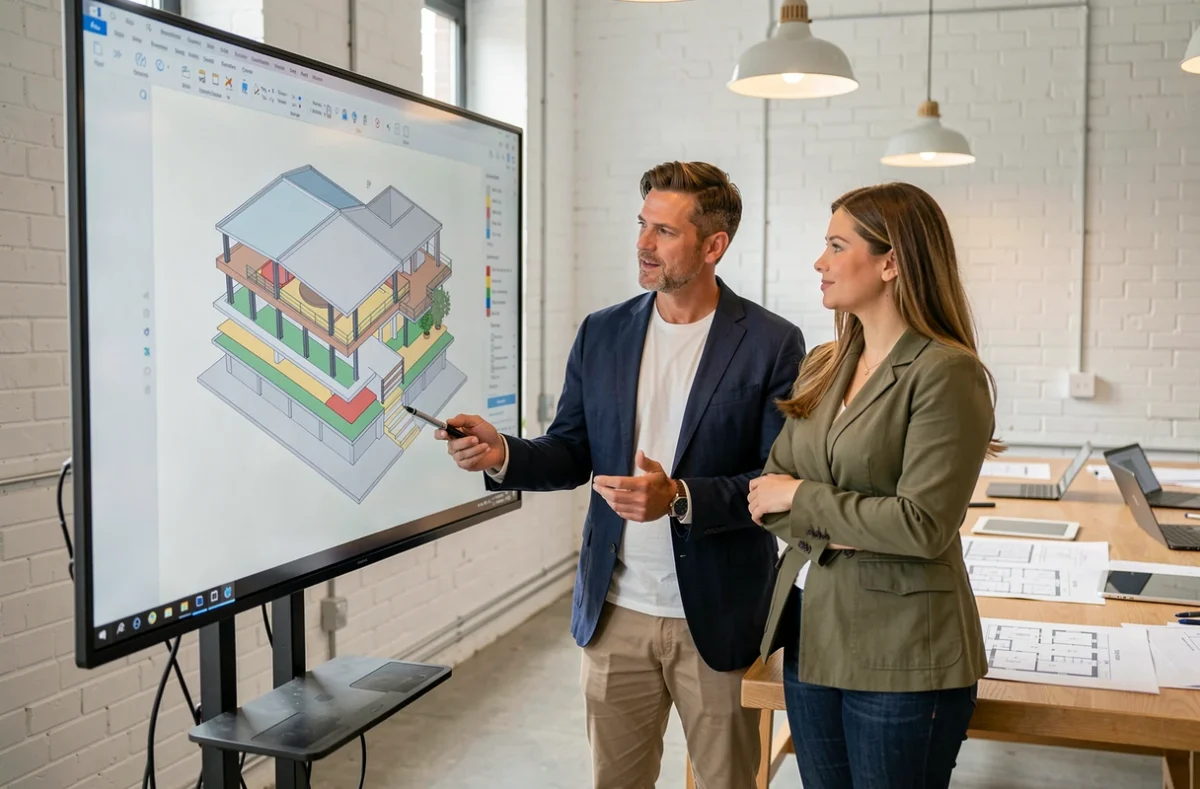
3D scanner and existing survey: when field equipment changes the project
In a rehabilitation project, laser or photogrammetric surveys directly feed into the digital model. A portable scanner (like Leica BLK2GO or Matterport) produces a point cloud usable in BIM modeling software.
The scanner’s accuracy conditions the reliability of the printed model. A discrepancy of a few millimeters in the survey, multiplied by the scale factor, can distort the alignment between the existing building and the projected extension. For projects where tolerance is tight (facade connection, cornice continuity), the scanner’s precision specification is checked before integrating it into the workflow.
In France, BIM is not a general requirement for public contracts, but buyers can require digital modeling tools on a case-by-case basis, according to article R. 2132-10 of the Public Procurement Code. The selected equipment must therefore meet the specific requirements of the market and its BIM convention. Anticipating these requirements from the choice of equipment avoids having to change software chains mid-project.
The quality of a 3D rendering in architecture does not depend on a single link. It relies on the coherence between the design software, the exchange format, the production equipment, and, when the project requires it, the survey scanner. Testing this complete chain on a simple case, before the actual launch, remains the most reliable method to avoid unpleasant surprises at delivery.